Outreach Library Management — Digital Project Workflow
Role:
Outreach Library owner, workflow designer, team trainer, documentation creator
Tools:
Time frame:
2023-2025
Team / Partners:
Brand Design, Brand Voice, PM, Planning, Outreach (Dev), Digital Marketing, Production
After moving Outreach into Figma, I found that I really enjoy supporting and maintaining the library. Helping the team work more easily and consistently—especially compared to our old system—is rewarding. I appreciate hearing designers’ questions and feedback, and I love when they share how much smoother the workflow feels. Their input guides how I continue improving the system.
Starting point
Library Ownership & Support
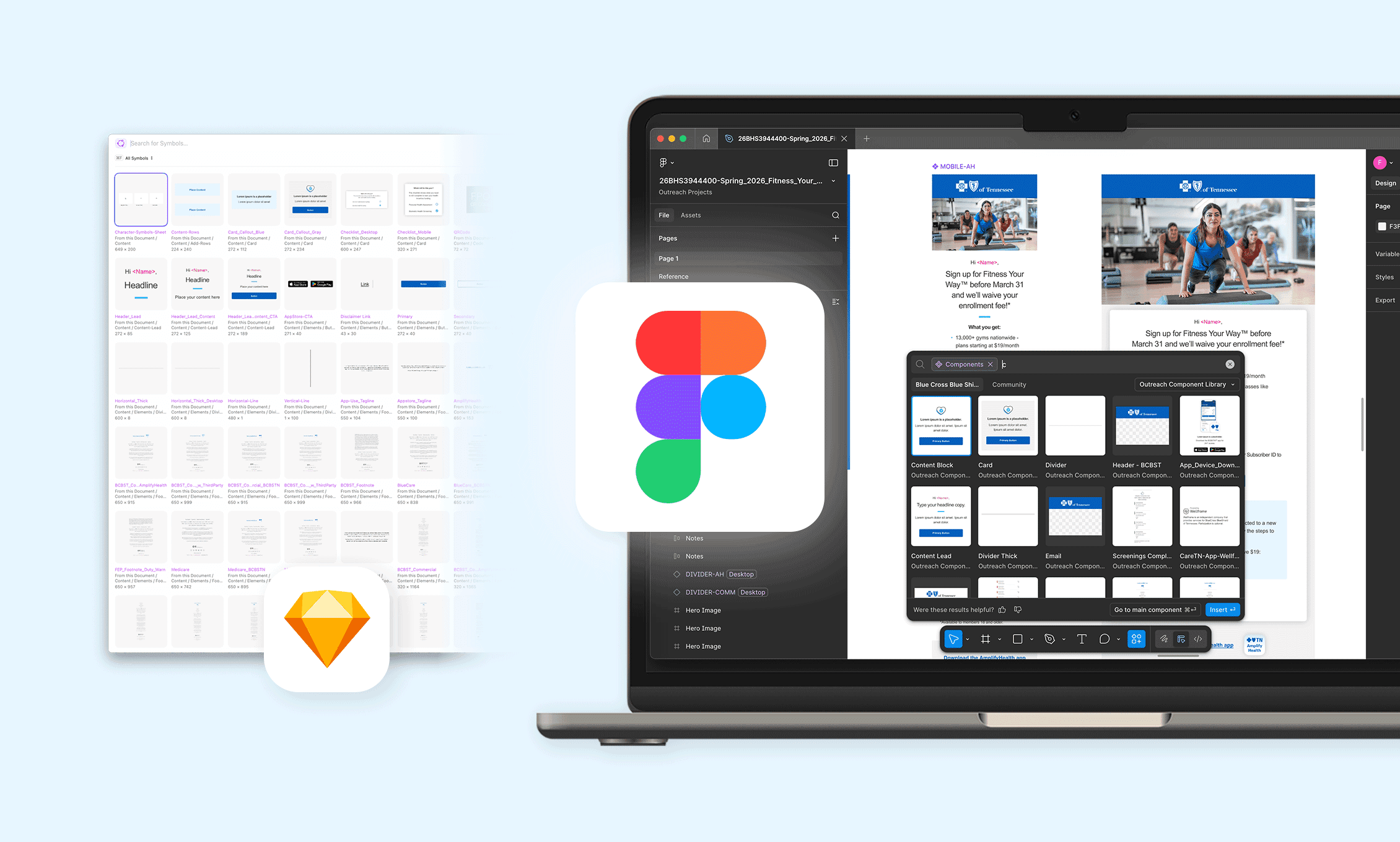
I maintain the Outreach Library by updating components, refining variants, auditing usage patterns and ensuring everything stays aligned to Global Foundations.
I provide ongoing support for designers by:
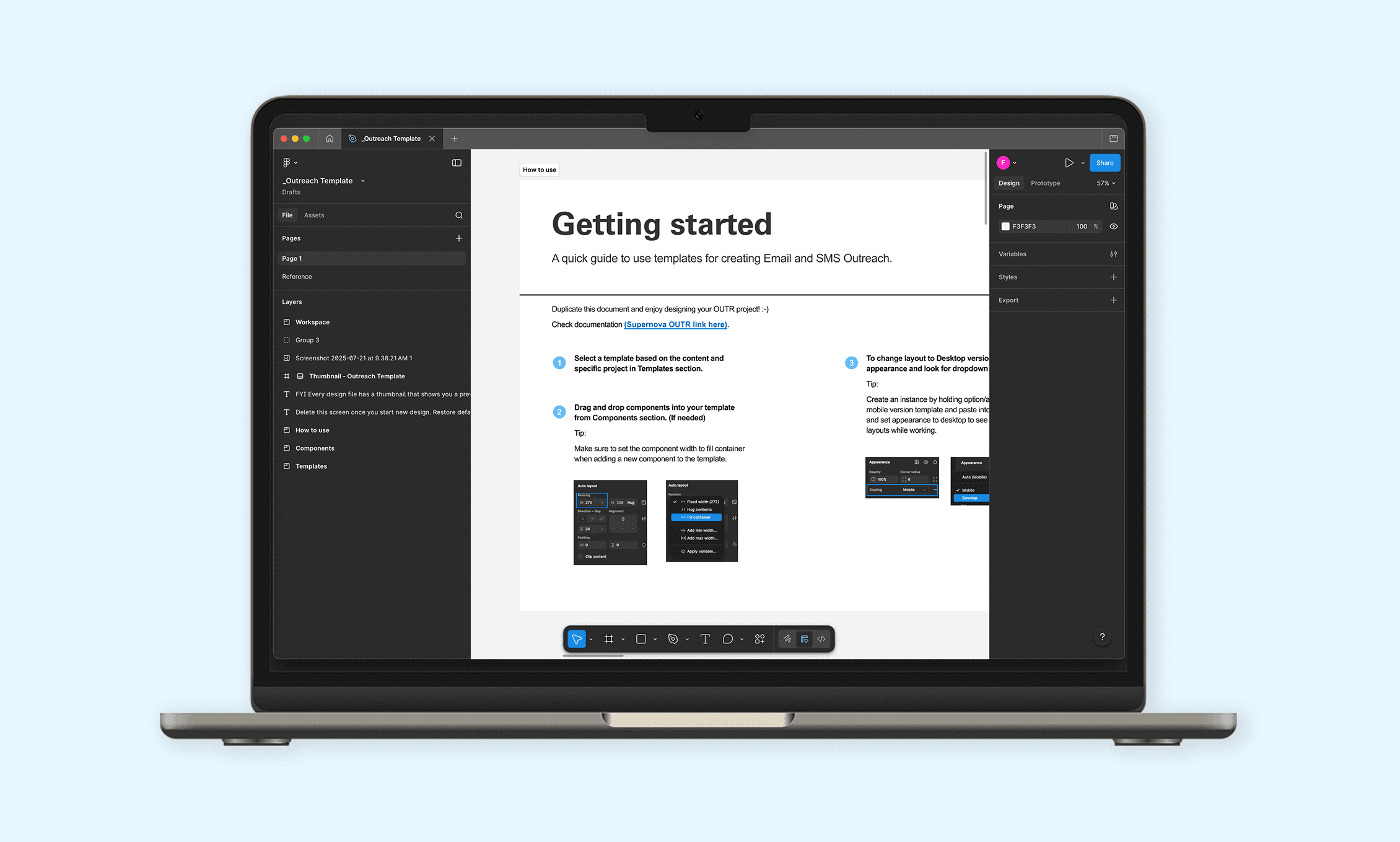
Creating Outreach‑specific how‑tos for common tasks
Offering guidance and troubleshooting when issues arise
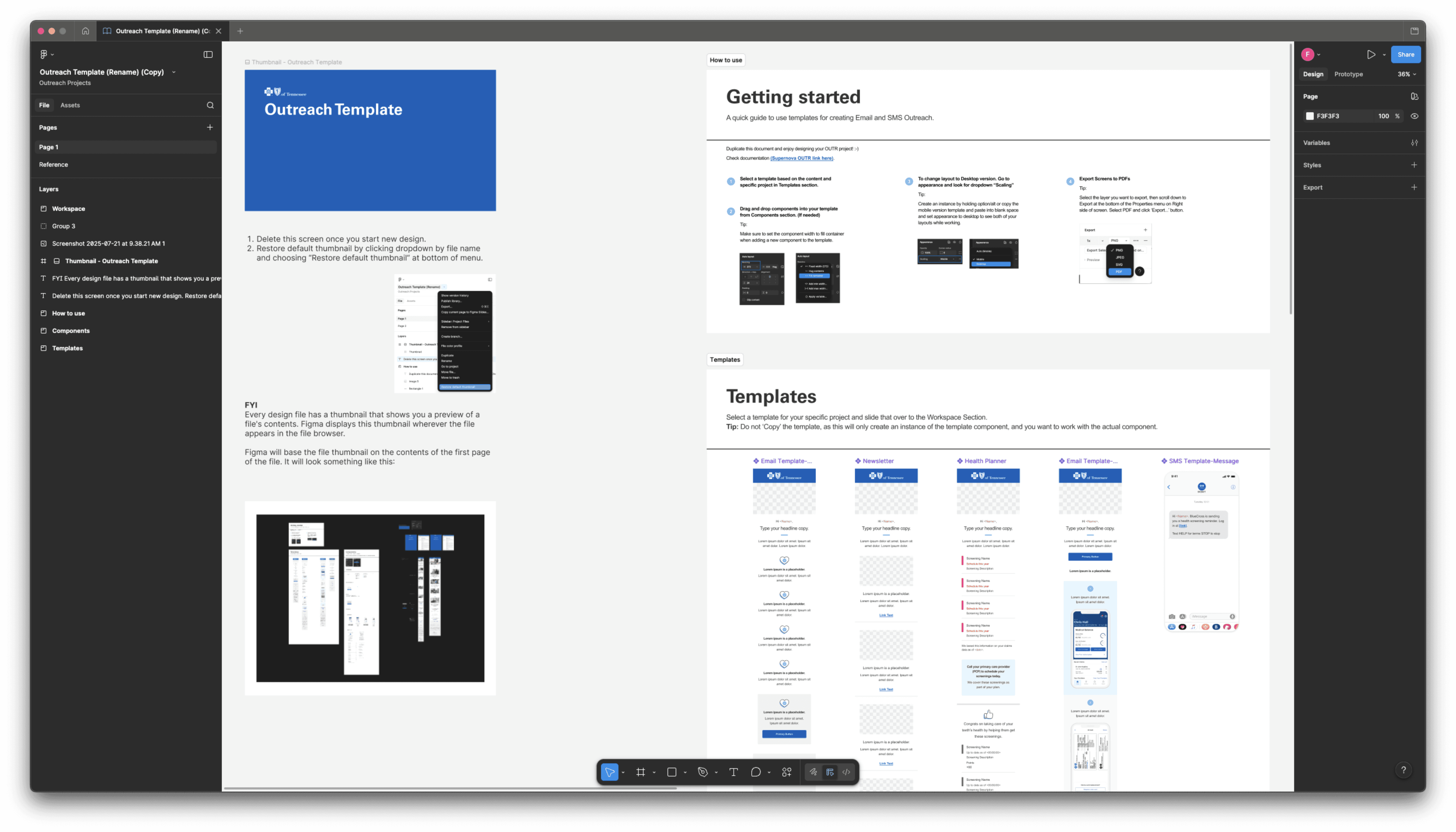
Showing designers how to work with templates and build email layouts correctly
Helping ensure consistent, predictable behavior across files
I’m the team’s first stop when someone needs help navigating the system or understanding how to work inside it effectively.
Problem solving
Workflow Design for Email Projects
To make email production smooth and predictable, I developed a set of Outreach‑specific workflows that are now standard practice across Brand Design:
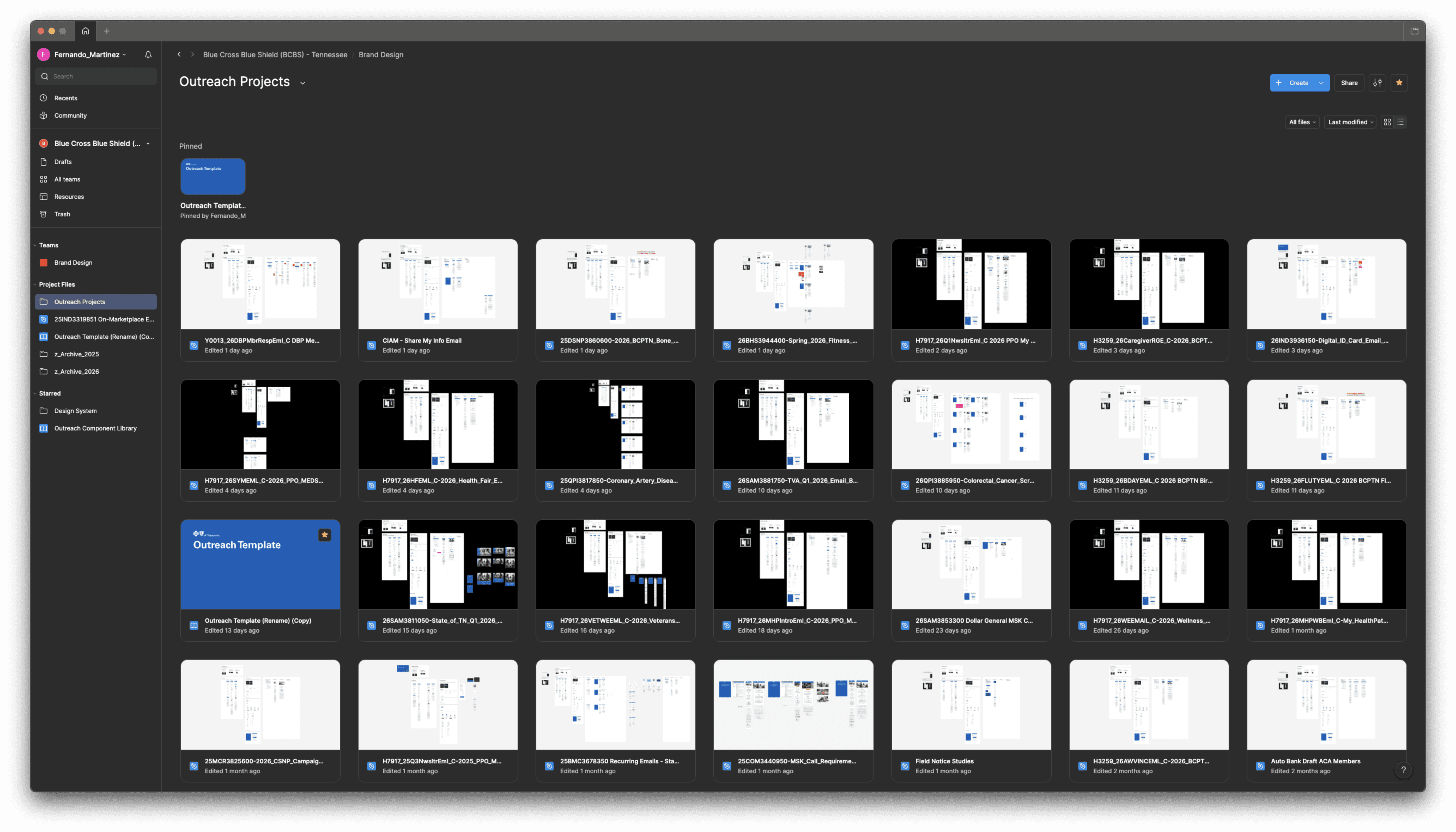
1. Workfront‑Aligned File Naming
Every file begins with the Workfront‑generated project name. This is not a new process, but is an important part of our workflow.
This ensures:
Consistent file management
Predictable searchability
Accurate linking back to project history
Zero ambiguity across handoffs
2. Template‑Driven Design
Designers start from official Outreach templates, not one‑offs.
This ensures consistent:
Structure
Grid spacing
Component usage
Accessibility patterns
3. Layer Naming Standards
I champion a simple, predictable naming structure so email layouts remain readable—even when complex. This makes collaboration smoother and handoff clearer.
4. Developer Handoff
Instead of packaging assets or exporting manually, designers:
Share Dev‑access links to the Figma file
Dev self‑serves all images, assets and specs directly
Designers save significant time
The Dev team avoids delays or missing assets
This eliminates a task requiring several steps, streamlines workflow and improved delivery accuracy.
5. Archiving Workflow
Completed Figma design files are moved to a dedicated Archive folder.
This prevents:
File clutter
Duplicate versions
Lost work
Confusion during high‑volume production
It keeps the Outreach workspace clean, making active projects easy to locate.
Implementation
Training & Team Enablement
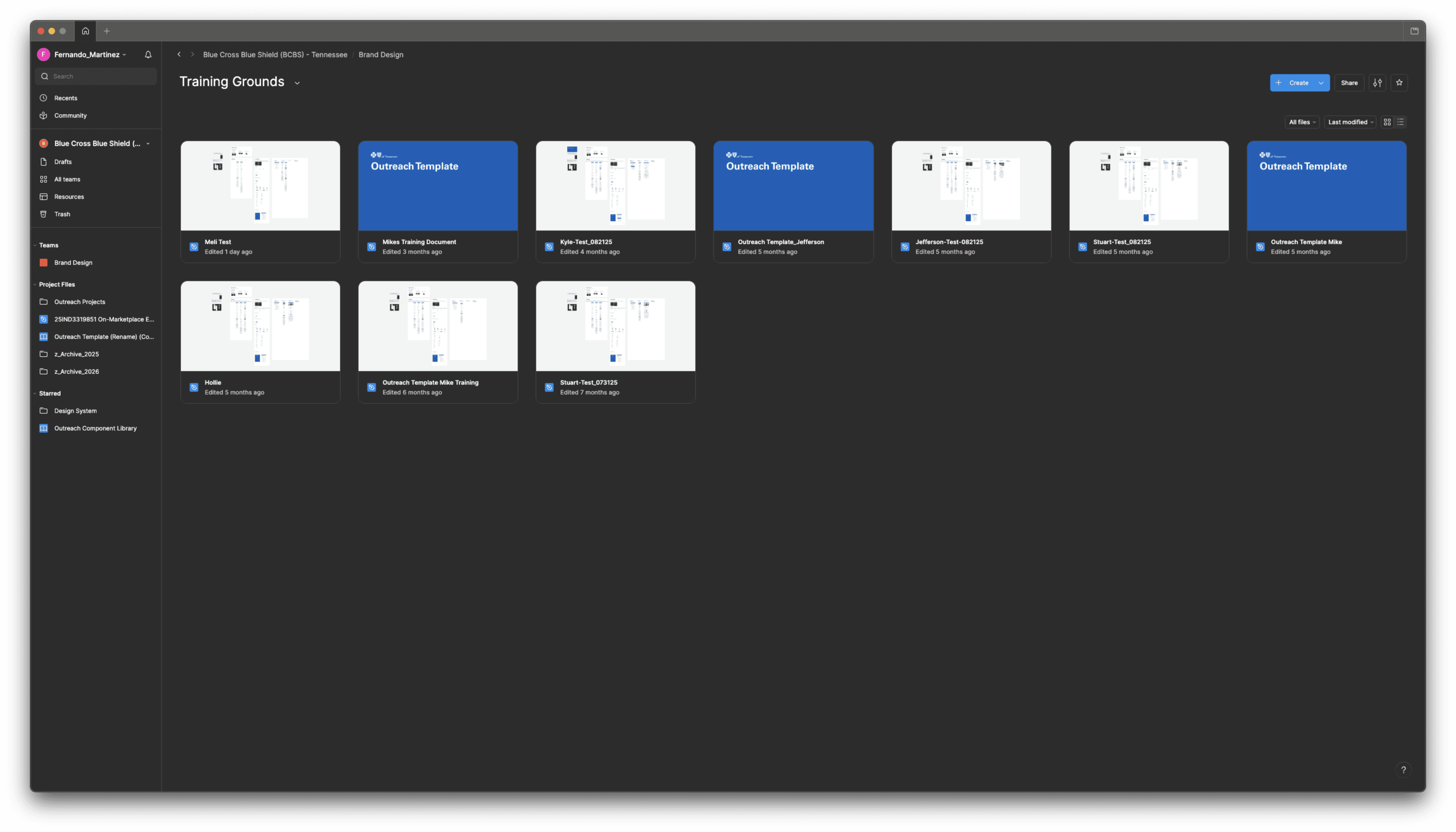
I have provided training to Brand Design team on how to use the Outreach Library—covering:
How templates work
How to structure files
Naming conventions
Building with components vs. detaching them
How handoff should happen
How to check their files for consistency
This ensures every designer uses the same workflow and contributes to a predictable, maintainable system.
Results
Consistent outreach workflows across all designers
Faster Figma file setup and fewer errors
More predictable, efficient handoff to Outreach (Dev)
Cleaner project workspace due to structured archiving
Seamless collaboration during high‑volume production cycles
Designers rely on a clear, well‑documented, easy‑to‑use system and enjoy using it (my favorite part!)